The Only Thing That Matters When Your Connection Drops
Stay calm. That’s it. That’s the entire secret to surviving a bad internet connection interview.
I’ve watched candidates handle complete internet failures and still receive offers. I’ve watched other candidates panic over minor lag and talk themselves out of consideration. The technical problem itself rarely determines the outcome. Your response to it does.
A few months ago, I was interviewing a project manager for a senior role. Fifteen minutes in, her video froze completely. Then her audio cut. She disappeared from the call for nearly three minutes. When she reconnected, she simply said, “I apologize for that. I’ve switched to my backup connection. Shall I continue from where we left off?”
No frantic explanations. No visible stress. No extended apologies. She handled it like someone who would handle project crises the same way: acknowledge, solve, move forward.
She got the job. And honestly, the technical glitch helped her candidacy by demonstrating composure under pressure.
Preventing Problems Before They Start
Most video interview technical issues are preventable with proper preparation. Before we discuss recovery tactics, let’s minimize the chances you’ll need them.
Test Your Connection
Run a speed test the day before your interview and again the morning of. Video calls require at least 1.5 Mbps upload and download for stable quality. Anything below that invites problems: frozen video, choppy audio, dropped calls.
More importantly, test at the same time of day as your scheduled interview. Internet speeds fluctuate based on network load in your building and neighborhood. Your connection at 9 AM when neighbors are at work may perform very differently at 6 PM when everyone’s home streaming video.
A friend learned this the hard way. He tested his connection Saturday morning, everything perfect. His Monday afternoon interview was unwatchable because the kids in his apartment building were home from school, consuming bandwidth he’d never competed for during his weekend test.
Reduce Competition for Bandwidth
Close every unnecessary application and browser tab on your computer. Pause cloud backup services like Dropbox or Google Drive. Stop any downloads or updates. Ask household members to pause streaming services or large downloads during your interview window.
Every device on your network competes for available bandwidth. Your interview video call is competing with your roommate’s Netflix, your smart TV downloading updates, and your phone syncing photos to the cloud. Eliminate as much competition as possible.
💡 Pro Tips: Connect via ethernet cable if at all possible. Wired connections are more stable and faster than WiFi, completely eliminating wireless interference issues. A simple ethernet adapter for your laptop costs under twenty dollars and removes an entire category of potential problems.
Physical Positioning
If you must use WiFi, sit as close to your router as possible. WiFi signal strength decreases dramatically with distance and obstacles like walls or furniture. The difference between sitting ten feet from your router versus thirty feet in another room can be the difference between a stable call and a disaster.
Your Backup Plan
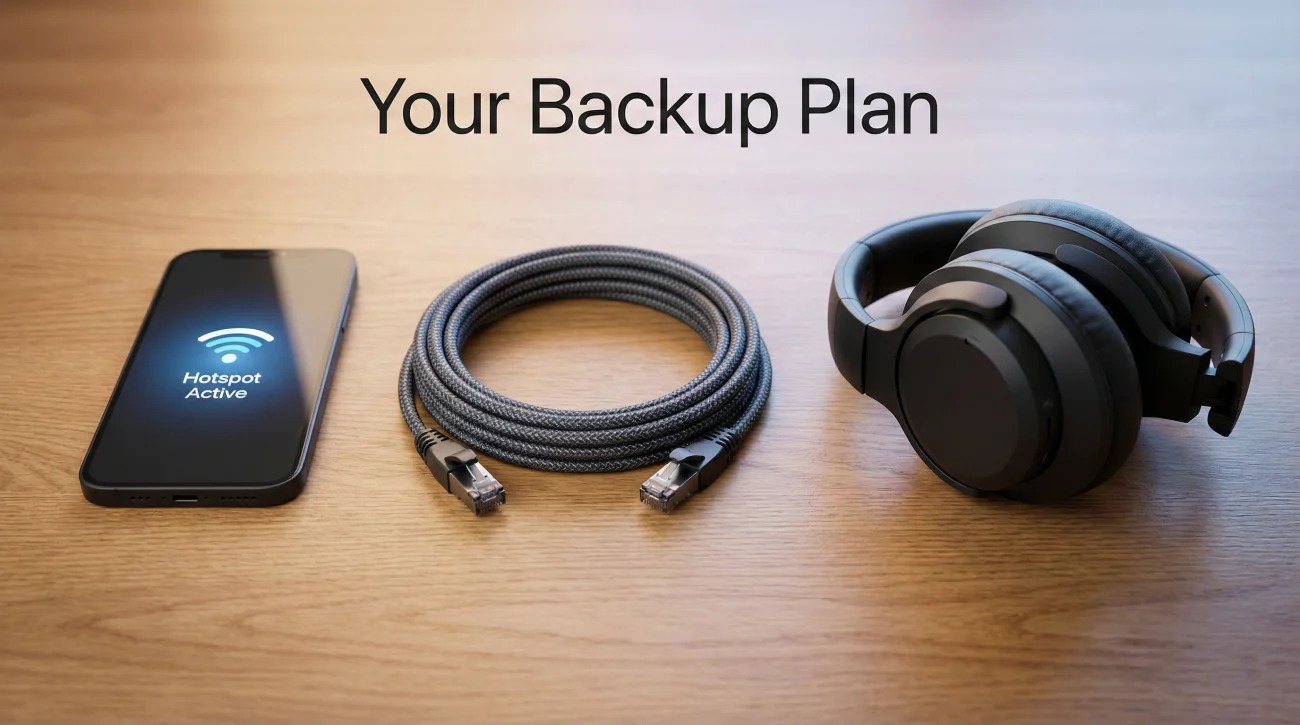
Every serious candidate needs an interview tech backup plan ready to deploy instantly. Not “I’ll figure it out if something happens.” An actual plan you’ve tested and can execute under pressure.
Mobile Hotspot
Your phone’s cellular data is your first line of backup defense. Before the interview, know exactly how to enable your hotspot and connect your laptop to it. Practice the switch until you can do it in under thirty seconds.
Check your cell signal strength at your interview location. A weak cell signal makes a poor backup. If your signal is marginal, identify the spot in your home with the strongest reception and be prepared to move there if needed, even if it means interviewing from your bathroom or closet.
Keep your phone plugged in throughout the interview. Hotspot mode drains battery rapidly. The last thing you need is your backup option dying twenty minutes into deployment.
Expert Advice: Test your mobile hotspot’s actual performance before relying on it. Run a video test call with a friend using only your phone’s data. Some cellular connections that seem strong for browsing struggle with the sustained bandwidth video calls require.
Phone-Only Fallback
Sometimes your backup needs a backup. If your computer fails entirely, or if hotspot performance is inadequate, joining the call from your phone may be the right move. Have the meeting link accessible on your phone and know how to join via the Zoom, Teams, or Meet mobile app.
A colleague shared her experience: “My laptop completely crashed ten minutes into a final-round interview. Blue screen. I said ‘give me fifteen seconds,’ grabbed my phone, rejoined the call, propped it against some books, and continued. The interviewer actually praised my calm handling of the situation. The technical failure became evidence of crisis management skills.”
Audio-Only Option
Video requires far more bandwidth than audio alone. If your connection is struggling and you can’t switch to a better one, turning off your video might be the most professional choice.
Say something like: “My connection seems unstable. Would it be better if I turned off my video to ensure you can hear me clearly?” Most interviewers appreciate this practical problem-solving. They’d rather hear your answers clearly than watch your pixelated face freeze every few seconds.
Scripts for When Problems Happen
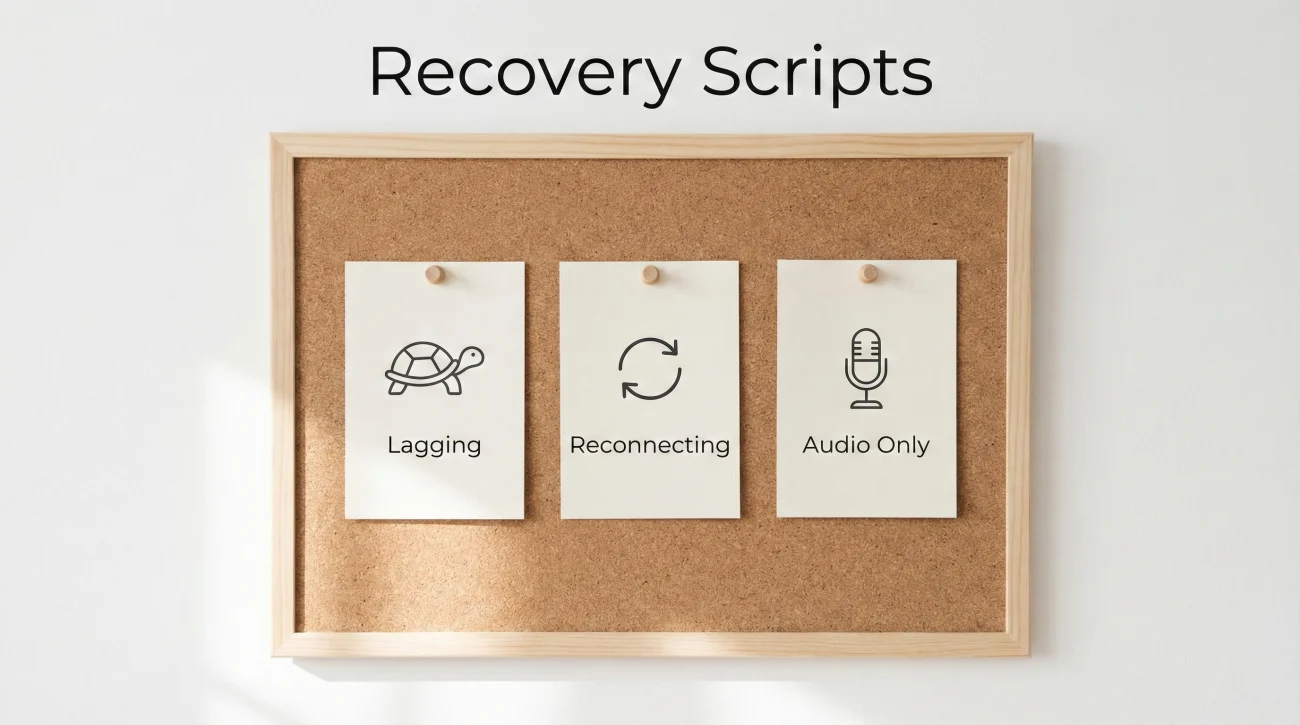
When technology fails, your brain is already stressed. Having exact words ready eliminates the cognitive load of composing professional responses under pressure. Memorize these phrases so they come automatically.
When You Notice Lag Starting
“I’m noticing some connection instability on my end. If I drop, I’ll be back within thirty seconds.”
This accomplishes three things: acknowledges the problem before it becomes critical, sets expectations so the interviewer isn’t surprised, and demonstrates self-awareness about technical issues.
When You Return After Dropping
“Thank you for your patience. I’ve switched to a more stable connection. Where would you like me to pick up?”
Brief. Professional. Forward-focused. No extended explanations about what went wrong. The interviewer experienced the same call you did. They know what happened. They want to continue the conversation, not hear your network diagnosis.
When Problems Keep Happening
“I apologize for the continued issues. Would it work better to continue audio-only, or would you prefer to reschedule?”
This gives the interviewer control while showing you’re solution-oriented. Most will choose to continue audio-only rather than coordinate rescheduling.
After Complete Failure
“I’m back on a stable connection now. I appreciate your flexibility. Let me know where you’d like me to continue.”
Notice what’s absent from all these scripts: blame. No mentions of your ISP being unreliable, your building having old wiring, or your roommate downloading files. Blame sounds like excuse-making even when it’s accurate. Just solve the problem and move forward.
Warning: Avoid over-apologizing. One brief acknowledgment is sufficient. Repeated apologies draw more attention to the problem and consume interview time better spent discussing your qualifications.
Platform-Specific Recovery Options
When zoom interview connection problems or issues on other platforms arise, knowing your options enables faster recovery.
Zoom
Zoom offers several features that can help with connection issues. You can dial in via phone for audio while keeping video on your computer, which splits the bandwidth requirement and often stabilizes both. The phone dial-in number appears in your meeting invitation.
Zoom’s “Turn off my video” option dramatically reduces bandwidth requirements. Going audio-only temporarily is often better than suffering through frozen, pixelated video that makes communication difficult.
Microsoft Teams
Teams has a “Call me” feature that dials your phone for audio while you maintain video on your computer. Look for this option in the meeting controls. Like Zoom, you can also disable your video or incoming video from others to reduce bandwidth load.
Google Meet
Meet automatically adjusts video quality based on your connection, but you can also manually lower your outgoing resolution in settings if automatic adjustment isn’t solving the problem. The option is in the settings menu during a call.
For comprehensive interview preparation including technical readiness, explore our complete interview guidance.
After Technical Problems
How you handle the aftermath matters as much as how you handle the moment itself.
The Follow-Up Email
Your thank-you email should acknowledge the technical difficulties briefly, then move on. One sentence maximum:
“Thank you for your flexibility during our conversation today. I enjoyed discussing the team’s approach to [specific topic from the interview] and remain very interested in the opportunity.”
That’s it. Don’t write a paragraph explaining what went wrong. Don’t apologize again. The interviewer experienced the same call. They don’t need a recap. They need to know you’re still interested and can communicate professionally.
When to Request a Do-Over
If technical problems were severe enough that you genuinely couldn’t showcase your qualifications, it’s reasonable to request a brief follow-up conversation. Frame it positively:
“Given the connection challenges we experienced, I’d welcome the opportunity for a brief follow-up call if that would be helpful. I want to make sure you have everything you need to evaluate my candidacy fully.”
Most hiring managers will accommodate reasonable requests, especially if you handled the original problems with grace. But don’t request a redo for minor glitches that didn’t significantly impact the conversation.
❓ FAQ
🎯 Will technical problems hurt my candidacy?
The problems themselves rarely hurt. Your reaction might. Calm, prepared handling of technical issues can actually help by demonstrating composure under pressure. Panicked, apologetic responses can hurt by suggesting you don’t handle unexpected challenges well.
💼 Should I explain why my internet failed?
No. Explanations sound like excuses. The interviewer doesn’t need to know your ISP is unreliable or your building has old infrastructure. Just solve the problem and move forward. Diagnose your network later, after you’ve gotten the job.
⏰ How long can I be disconnected before it’s a serious problem?
Under a minute is usually fine. Over two minutes starts to feel concerning to interviewers, who may wonder if you’re coming back. If reconnection will take longer, try to send a quick email or text to the recruiter explaining you’re working on it.
📋 Is it okay to ask to reschedule due to technical issues?
As a last resort, yes. But exhaust other options first: switching to hotspot, going audio-only, joining from your phone. Rescheduling creates logistical burden for the interviewer. It should be offered by them, not requested by you, unless problems are truly insurmountable.
✨ What if the interviewer’s connection is the problem?
Be gracious. Say something like “I think we’re both having some connection challenges” rather than implying it’s their fault. Offer the same solutions you would for your own issues: audio-only, rescheduling, patience while they troubleshoot.
Final Thoughts
A bad internet connection interview situation tests your composure more than your technical setup. Candidates who stay calm, have backups ready, and focus on solutions rather than apologies often emerge from technical disasters with their candidacy strengthened rather than weakened.
Prepare your backup plan. Memorize your recovery scripts. Test your setup thoroughly. Then trust that if something goes wrong, you’ll handle it the same way you’d handle any unexpected workplace challenge: with professionalism, adaptability, and a focus on moving forward rather than dwelling on what went wrong.
The technology may fail. Your composure doesn’t have to.
⚠️ Disclaimer: The interview strategies, sample answers, and negotiation tips provided in this guide are for educational purposes only. Hiring decisions are subjective and vary by company and industry. While these strategies are based on professional HR standards, they do not guarantee a specific job offer or result.