Your Background Frames Everything
Think of your virtual interview background like a picture frame. A beautiful painting in a cheap, broken frame loses impact. A decent painting in the right frame commands attention.
You are the painting. Your background is the frame.
I’ve conducted over 500 video interviews in the past three years. The backgrounds I remember fall into two categories: the ones that made me think “this person has their act together” and the ones that distracted me so much I struggled to focus on the candidate’s answers.
A product manager candidate interviewed from what appeared to be a closet. Clothes hung behind her, slightly visible through a weak blur effect. Every time she moved, the blur algorithm revealed more of her cramped setup. I found myself wondering about her living situation instead of evaluating her product strategy responses. She was qualified, but my impression was colored by that visual context.
Another candidate, interviewing for the same role, sat in front of a simple white wall with a single plant visible. Nothing fancy. But the clean frame kept my attention exactly where it belonged: on her face, her words, her qualifications.
She got the offer.
Real, Blur, or Virtual: Making the Right Choice

Let me give you the hierarchy I’ve developed from years of observation, then explain the reasoning behind it.
💡 Pro Tips: Real background with good lighting beats blur. Blur beats bad real background. Virtual backgrounds are risky unless your tech setup is excellent and you remain relatively still.
When Real Backgrounds Win
A clean wall. A tidy bookshelf. A simple home office setup. These communicate preparation and professionalism without any technology risk. There are no edge artifacts, no glitching when you gesture, no weird halos around your hair.
Real backgrounds also feel more authentic. There’s something subtly artificial about blur and virtual backgrounds that most people sense even if they can’t articulate what’s off. When a candidate shows me their actual, thoughtfully arranged space, I feel like I’m meeting a genuine person in their genuine environment. That authenticity builds trust.
The key word is “thoughtfully arranged.” A real background only wins if you’ve curated what’s visible. More on that shortly.
When Blur Saves You
Life doesn’t always cooperate with interview schedules. Your roommate’s stuff is everywhere. The laundry pile won’t move itself. Your cat treats every flat surface as personal territory. Your kitchen is the only quiet room, and no one needs to see your dishes.
A blur background interview exists for these moments. It’s not ideal, but it’s far better than the alternative of displaying chaos behind you.
A recruiting director friend of mine uses blur for all her video calls from home: “I work from my kitchen table most days. My kids’ artwork on the refrigerator is adorable, but it’s not the professional image I need to project when interviewing executive candidates. Blur lets me be effective from an imperfect space without anyone questioning my judgment.”
The caveat is quality. Blur on a newer laptop with a good processor looks professional. Blur on an older machine or with poor lighting creates artifacts that can be more distracting than the mess you’re trying to hide.
Expert Advice: Test your blur effect on your actual device with your actual lighting before any important interview. Some systems handle blur beautifully. Others make you look like a ghost emerging from fog.
When Virtual Backgrounds Backfire
Virtual backgrounds that replace your environment entirely carry the highest risk. The technology has improved significantly, but it still struggles with movement, gestures, and edge detection around hair.
I interviewed a senior engineer last year who used a virtual office background. Every time she gestured to emphasize a point, her hands vanished into the fake bookshelf behind her. The effect was disconcerting, like watching a magic trick gone wrong. Her technical answers were strong, but I kept getting distracted by the visual artifacts. The technology that was supposed to help her was actively undermining her presentation.
Novelty virtual backgrounds are even worse. Beach scenes, famous landmarks, sports stadiums. These might be fun for casual team calls, but they signal poor judgment in interview contexts. You’re demonstrating that you don’t understand appropriate professional norms.
Setting Up Your Real Background
Your professional background for interviews doesn’t require a dedicated home office or expensive equipment. It requires intention and about thirty minutes of setup time.
Finding the Right Spot
Walk around your home with your laptop camera open. Preview what each location looks like on screen, not just in person. Look for spots with some depth behind you, not a wall three inches away that makes the frame feel cramped. Natural light from a window in front of you is ideal. A corner where two walls meet can create interesting visual depth without complexity.
My own interview setup is unremarkable: a corner of my spare room with a small plant, a lamp, and a few books on a floating shelf. The total cost of those props was maybe thirty dollars. But it frames me well, stays consistent across every call, and has never once distracted an interviewer from our conversation.
The 10-Second Scan
Before any interview, do a quick visual scan of your background. Look for:
- Anything embarrassing or too personal
- Items that could generate assumptions or bias
- Movement risks like pets, roommates, or reflective surfaces showing other parts of the room
- Clutter that draws the eye away from you
- Anything you wouldn’t want your future boss to see
A colleague didn’t notice her husband’s boxers hanging on a door in frame during an important client presentation. She found out when a coworker mentioned it afterward, trying to be helpful but clearly uncomfortable. Always scan.
What to Remove
Some things simply shouldn’t be visible during professional interviews, regardless of how you feel about them personally:
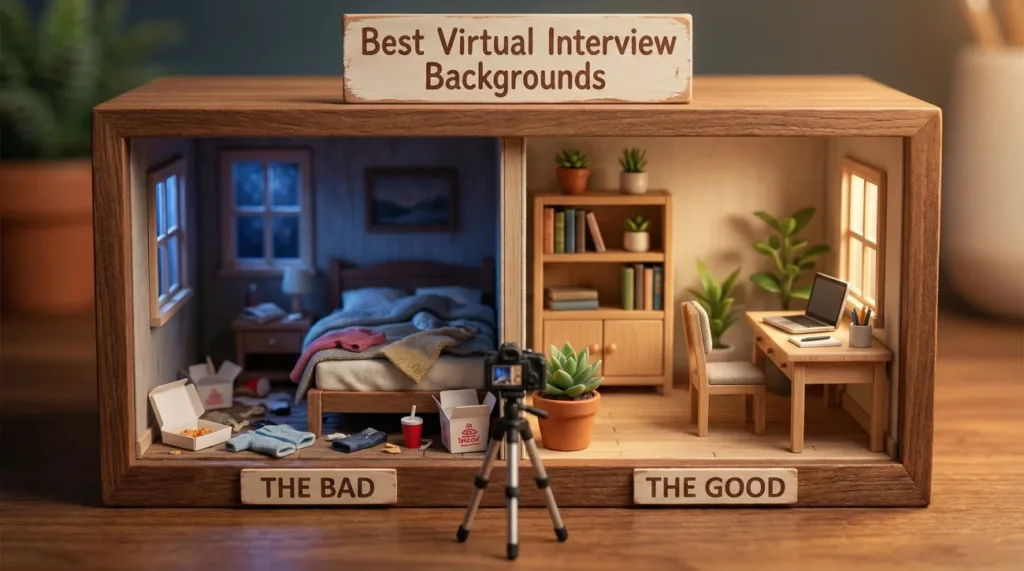
- ❌ Unmade beds or bedroom furniture: Signals you couldn’t be bothered to find a better spot
- ❌ Political or religious items: May alienate interviewers with different views
- ❌ Alcohol bottles or bar setups: Even if you’re a casual collector, the impression is risky
- ❌ Prescription bottles or personal care items: None of their business
- ❌ Dirty dishes, laundry, or obvious mess: Suggests disorganization
Warning: Interviewers will notice things you’ve stopped seeing. Fresh eyes catch details that have become invisible to you through familiarity.
Lighting Matters More Than Background
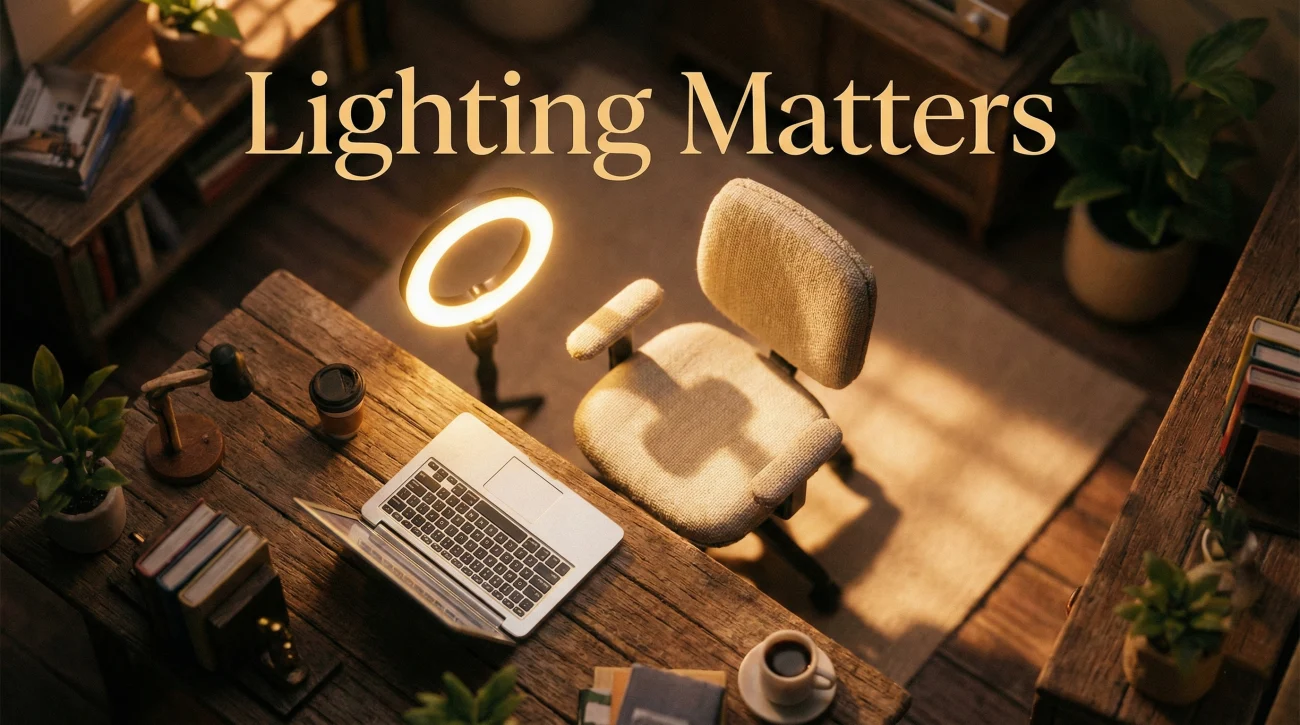
Here’s something most candidates get backwards: they obsess over their zoom interview background while ignoring lighting. A perfect background with terrible lighting still looks unprofessional. Your face is the focus. The interviewer needs to see your expressions clearly.
The Fundamentals
Light should hit your face from the front, not from behind. A window behind you creates a silhouette where your face is dark and your background is bright. Overhead lighting alone casts unflattering shadows under your eyes, nose, and chin.
The ideal setup has your primary light source directly in front of you, slightly above eye level. This could be a window you’re facing, a desk lamp, or a dedicated ring light designed for video calls.
| Lighting Situation | What Interviewers See | How to Fix It |
|---|---|---|
| Window behind you | Your face in shadow, background blown out | Face the window instead |
| Overhead light only | Shadows under eyes and nose, tired appearance | Add front-facing lamp or ring light |
| Mixed light temperatures | Weird color cast making you look unwell | Use single consistent light source |
| Natural front light | Flattering, professional, alert appearance | Schedule interviews during good light hours |
Inexpensive Improvements
A twenty-dollar ring light from any electronics retailer transforms most video setups instantly. Position it behind your laptop screen so you’re looking at both the camera and the light source simultaneously.
If you don’t want to buy anything, repositioning existing lamps can help. Move a desk lamp behind your laptop, pointed at your face. Or simply schedule interviews during hours when natural light from a window in front of you is strongest.
Expert Advice: Test your lighting at the same time of day as your scheduled interview. Morning light differs from afternoon light. What looks great at 10 AM might be completely different at 3 PM when the sun has moved.
Platform-Specific Considerations
Your video interview setup may behave differently across platforms. Test on the actual software you’ll use.
Zoom
Zoom’s background blur and virtual background features are among the most sophisticated available. If you’re going to use virtual backgrounds, Zoom handles them best. Enable “I have a green screen” in settings even if you don’t have one, as this improves edge detection. High contrast between your clothing and background also helps the algorithm work better.
Microsoft Teams
Teams background effects vary dramatically based on your device’s processing power. Newer computers with dedicated graphics cards handle blur smoothly. Older machines produce choppy effects that can be more distracting than helpful. Test extensively before relying on Teams blur for an important interview.
Google Meet
Meet’s background blur tends to be subtler than Zoom’s, which some people prefer for its more natural appearance. However, the lighter blur hides less. If you’re counting on blur to conceal significant mess, Meet’s version may not be sufficient. Consider whether you need heavier blur and choose your platform accordingly if you have the option.
For comprehensive preparation covering all aspects of virtual and in-person interviews, explore our complete interview preparation resources.
❓ FAQ
🎯 Does my background really affect hiring decisions?
Directly, rarely. Indirectly, often. A distracting background pulls attention from your answers and can create subconscious negative impressions. A professional background reinforces the impression that you’re prepared and detail-oriented. It’s one piece of the overall picture.
💼 Is blur unprofessional?
Not at all. Millions of professionals use blur daily for legitimate reasons. What matters is the quality of the blur on your specific device. Clean, stable blur looks professional. Glitchy blur that makes you look like a ghost is worse than a simple real background.
⏰ What if I’m interviewing from a hotel or temporary location?
Use blur or find a neutral corner. Hotel rooms often have plain walls that work fine as backgrounds. Avoid showing unmade hotel beds or bathroom doors in frame. The goal is neutrality, not perfection.
📋 Should I display diplomas or awards in my background?
Subtly, if at all. A visible diploma can reinforce credentials without you having to mention it verbally. But filling your background with awards and accolades feels like overcompensating. One or two items, naturally placed, is plenty.
✨ Can a company-branded virtual background work?
If the company provides branded backgrounds for candidates, using one shows attention to their materials and cultural fit. Creating your own with their logo would be presumptuous and strange. Only use company branding if they explicitly provide it.
Final Thoughts
Your virtual interview background should do one job exceptionally well: frame you professionally without drawing attention to itself. The best backgrounds are ones interviewers don’t consciously notice because nothing distracted them from the candidate in the foreground.
Test your setup. Fix your lighting. Remove distractions. Then stop worrying about it. Your background is ready. The frame is set. Now focus on the content that actually determines whether you get the job: your answers, your questions, and the connection you build with the people on the other side of the screen.
⚠️ Disclaimer: The interview strategies, sample answers, and negotiation tips provided in this guide are for educational purposes only. Hiring decisions are subjective and vary by company and industry. While these strategies are based on professional HR standards, they do not guarantee a specific job offer or result.