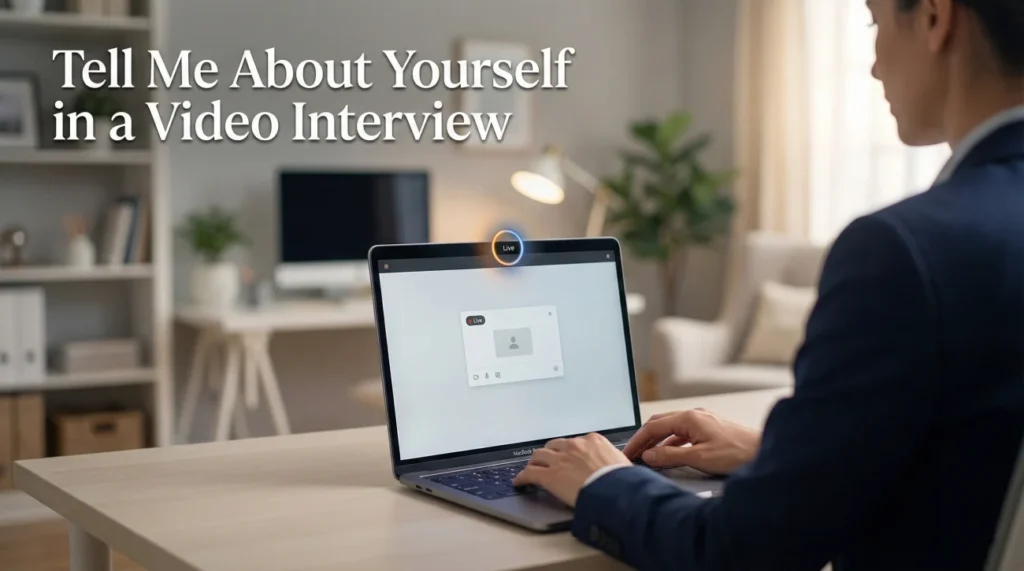
The Camera Changes Everything
When you answer tell me about yourself in a video interview, you’re dealing with a medium that’s neither phone nor in-person. You have visual presence but in a constrained, mediated form. The camera shows you but not as people see you in real life. Small adjustments make large differences in how you come across.
Video interviews became standard practice, and interviewers have developed expectations. Poor setup, bad lighting, lack of camera awareness, and technical glitches all hurt candidates. Conversely, strong video presence sets you apart because many candidates still struggle with the basics.
A hiring manager who conducts most interviews virtually shared her observation: “You can tell within seconds who has prepared for video and who hasn’t. The ones who struggle with basics like camera placement and lighting start at a disadvantage. The ones who present well on camera show they take the opportunity seriously.”
Technical Setup
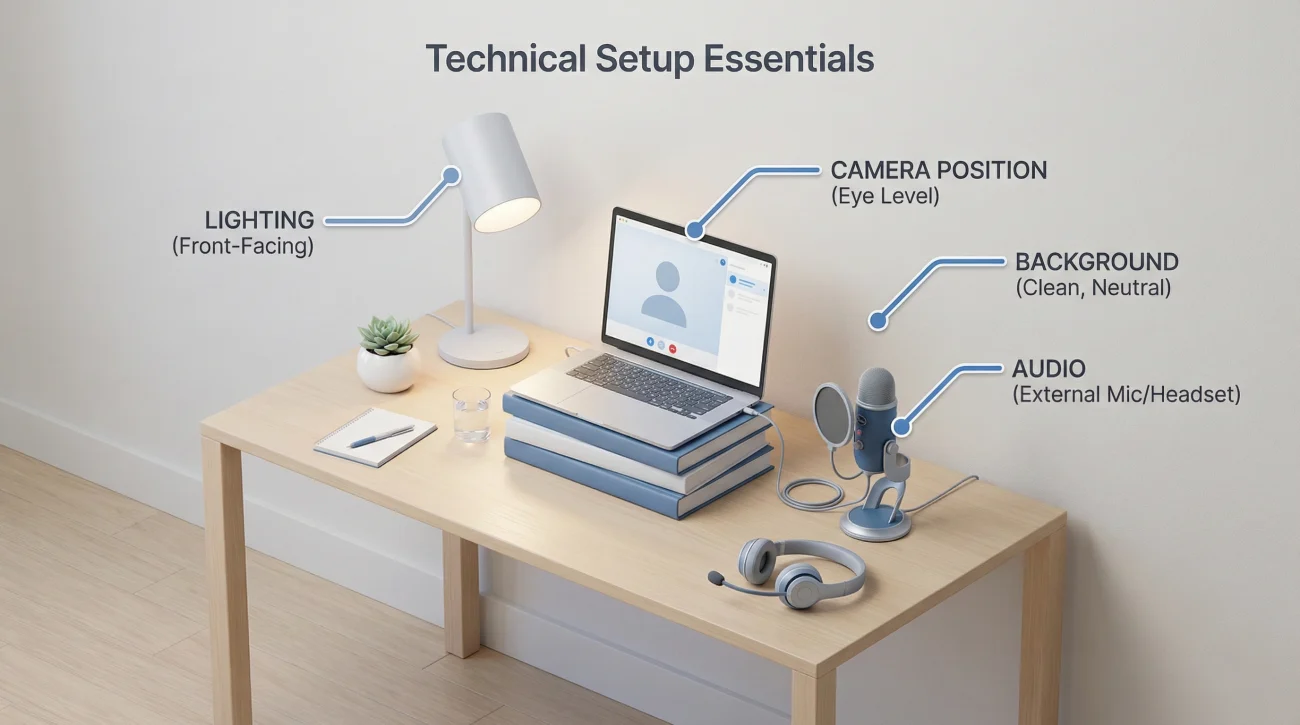
Camera Position
Position your camera at eye level. Looking down at a laptop camera makes you appear dismissive or disengaged. Looking up makes you appear submissive. Eye level creates natural, professional presence. Stack books under your laptop or use an external camera to achieve proper height.
Lighting Matters
Face a light source so your face is illuminated clearly. Natural light from a window works well, or position a lamp in front of you. Avoid backlighting, which turns you into a silhouette. Avoid harsh overhead lighting, which creates unflattering shadows.
Background Choice
Your background communicates before you speak. A clean, professional background or a neutral virtual background works best. Messy rooms, distracting art, or busy backgrounds pull attention from you. If using virtual backgrounds, ensure your video software handles them smoothly.
Audio Quality
Use a headset or external microphone when possible. Built-in laptop microphones often capture room echo and background noise. Test audio before the interview starts. Ensure your environment is quiet.
| Element | Problem | Solution |
|---|---|---|
| Camera angle | Looking down or up at camera | Raise device to eye level |
| Lighting | Dark face or harsh shadows | Face a window or lamp |
| Background | Distracting or messy | Neutral wall or clean space |
| Audio | Echo or background noise | Use headset, quiet room |
| Connection | Freezing or lag | Wired internet if possible |
Video Presence Skills
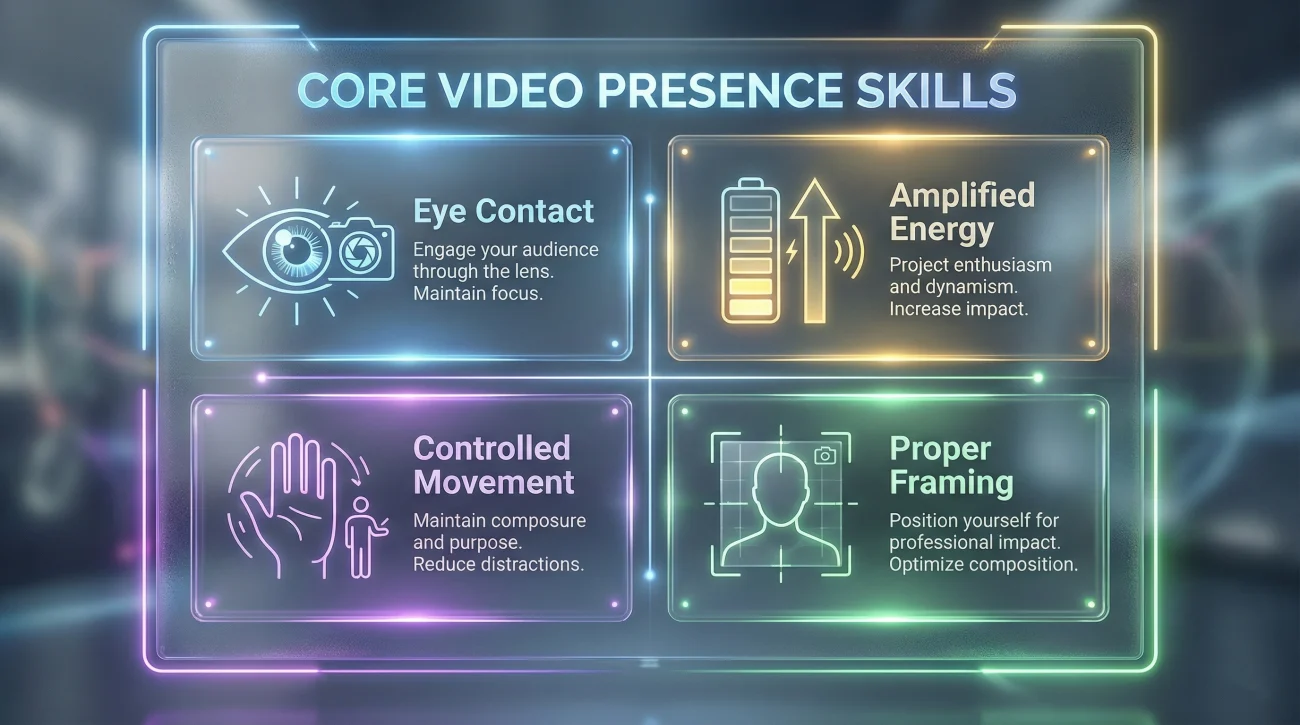
Eye Contact With the Camera
This is the single most important video skill. Look at your camera lens, not at the interviewer’s image on screen. When you look at their face on screen, you appear to be looking down or away. Looking at the camera creates direct eye contact from their perspective.
This feels unnatural because you’re not seeing the person while making “eye contact.” Practice until it becomes comfortable. Occasional glances at the screen to read reactions are fine, but return to the camera when speaking.
Amplified Energy
Video flattens energy. What feels like normal enthusiasm in person can seem flat or disengaged on camera. Increase your energy level slightly higher than feels natural. Smile more. Gesture more. Let your facial expressions be more visible.
Controlled Movement
Excessive movement is distracting on video. Rocking, swiveling, or constant fidgeting pulls attention from your words. Stay reasonably still while using natural hand gestures within the frame.
Proper Framing
Frame yourself from chest or shoulders up. Too close feels intense. Too far makes you seem disconnected. Leave a bit of space above your head. Ensure your hands are visible when you gesture.
💡 Pro tip: Place a small note near your camera lens reminding yourself to look there. A sticky dot or arrow pointing at the lens helps your eyes find the right spot.
Adapting Your Introduction
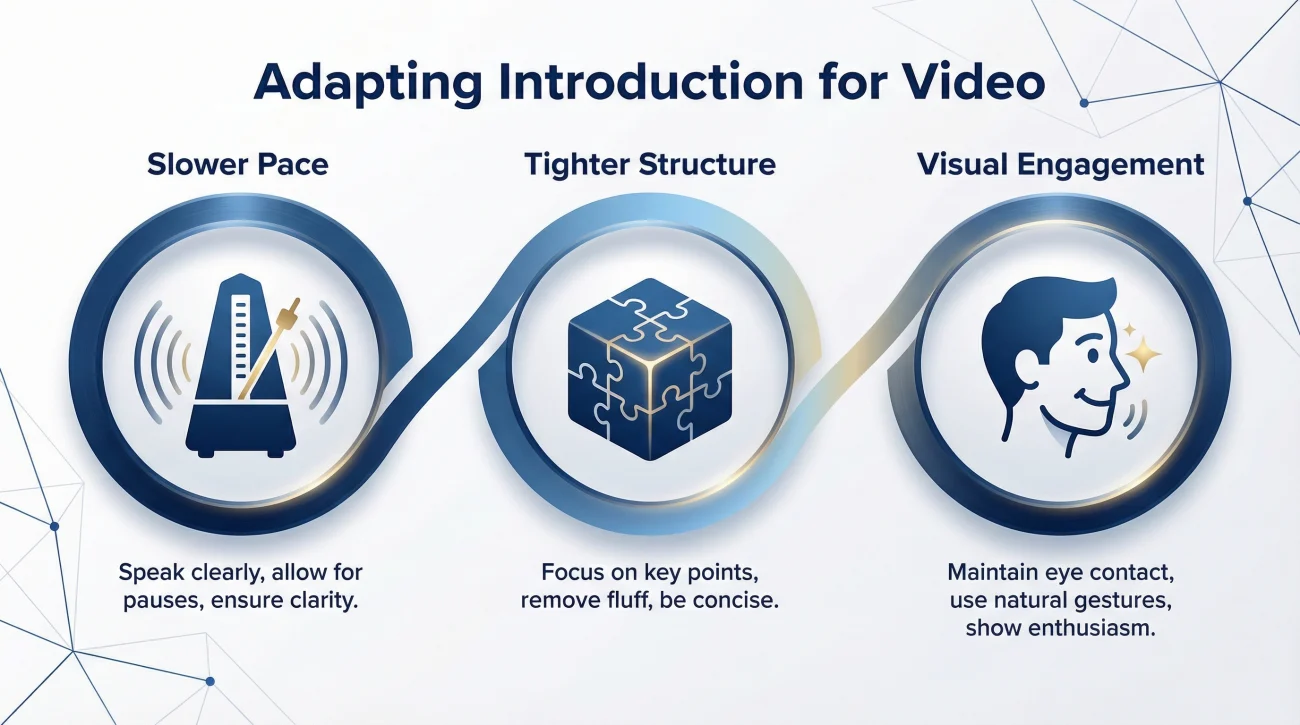
Slightly Slower Pace
Video lag and audio processing mean fast speech can become unclear. Speak slightly slower than you would in person. Pause between thoughts to let ideas land.
Tighter Structure
Video attention spans are shorter than in-person. Keep your introduction focused and slightly more concise. Get to key points efficiently.
Visual Engagement
Unlike phone interviews, you can use visual cues. Nod when listening. React facially to what the interviewer says. These visual signals replace the subtle cues that work naturally in person but must be more intentional on video.
Sample Video Introductions
Corporate Professional
“Thank you for having me. I’m a finance director with twelve years of experience in manufacturing and distribution. Currently I lead FP&A for a mid-sized industrial company, managing a team of six and overseeing all financial planning and analysis.
The work I’m most proud of is building our rolling forecast model that significantly improved how leadership makes investment decisions. Before that system, we were always looking backward. Now we can project forward with confidence.
I’m excited about this opportunity because you’re building the finance function for growth, which is exactly where I have the most experience and interest.”
Creative Role
“Great to meet you virtually. I’m a brand strategist with eight years of experience helping consumer companies define and differentiate their positioning. Most recently, I led brand strategy for a food company where we repositioned their flagship product line for a younger demographic.
What drives my work is finding the authentic story that makes a brand meaningful to people. I’ve learned that the strongest brands connect emotionally, not just functionally.
I’m interested in your company because you’re at an interesting growth stage where brand really starts to matter, and I’d love to help shape that direction.”
Technical Role
“Thanks for meeting with me. I’m a product manager with six years of experience in B2B software, specializing in platform products. Currently at a data company where I own our API platform that serves about two thousand developers.
My approach combines deep technical understanding with user empathy. I started as an engineer, so I can have credible conversations with development teams. But I’ve learned that the best products come from truly understanding what users need, not just what they ask for.
Your developer platform role caught my attention because you’re solving problems I find genuinely interesting, and I’d love to bring my platform experience to your team.”
For a complete self-introduction framework, visit our interview preparation guide.
Video Interview Mistakes
Poor Technical Setup
Bad lighting, wrong camera angle, distracting background
These basics matter. Test everything beforehand. If you can, do a practice call with a friend to check how you appear and sound.
Looking at the Screen
The most common mistake. Looking at the interviewer’s image instead of the camera breaks eye contact from their perspective. Train yourself to look at the lens.
Flat Energy
Normal conversational energy often reads as low energy on video. Compensate by being slightly more animated than feels natural. Your energy needs to translate through the screen.
Visible Multitasking
Eye movements that suggest you’re reading notes or looking at other screens are obvious on video. Minimize reference materials and keep your focus on the camera.
The video test: Record yourself giving your introduction. Watch it critically. Does it feel engaging? Is your energy appropriate? Are you making camera eye contact? Adjust until what you see is what you want interviewers to see.
❓ FAQ
🎯 Should I use a virtual background?
Only if your real background is problematic and your software handles virtual backgrounds smoothly. Glitchy virtual backgrounds look worse than simple real ones. A neutral wall or bookshelf usually works better than obvious virtual backgrounds.
💼 How do I handle technical problems during the interview?
Address them directly and professionally. “I apologize, I’m experiencing some lag. Would you mind repeating that?” or “My video seems to have frozen. Let me turn it off and back on.” Stay calm. Technical issues happen to everyone.
⏰ Can I have notes visible?
Minimally. Brief bullet points near your camera can help, but reading is obvious. If you need notes, position them so your eye movement toward them isn’t pronounced. Know your content well enough that notes are backup, not script.
📋 What should I wear for video interviews?
Solid colors work best on camera. Avoid busy patterns, stripes, and bright white, which can create visual issues. Dress professionally for the role. Even if you’re at home, your appearance signals seriousness.
✨ How do I build rapport through video?
React visibly to what they say. Nod. Smile. Show you’re engaged through your facial expressions. Use their name occasionally. Acknowledge their points before responding. These small signals replace the natural rapport building that happens more easily in person.
Master the Medium
Answering tell me about yourself in a video interview requires mastering a medium with unique demands. Set up your technology properly: camera at eye level, face well lit, background clean, audio clear. Look at the camera lens to create eye contact. Increase your energy slightly to compensate for video’s flattening effect. Practice your introduction on video until what you see matches how you want to appear. Video interviews are now standard. Candidates who master the medium distinguish themselves from those who struggle with basics.
⚠️ Disclaimer: The interview strategies, sample answers, and negotiation tips provided in this guide are for educational purposes only. Hiring decisions are subjective and vary by company and industry. While these strategies are based on professional HR standards, they do not guarantee a specific job offer or result.